Features

Everything your team needs to plan, track, and deliver projects successfully.

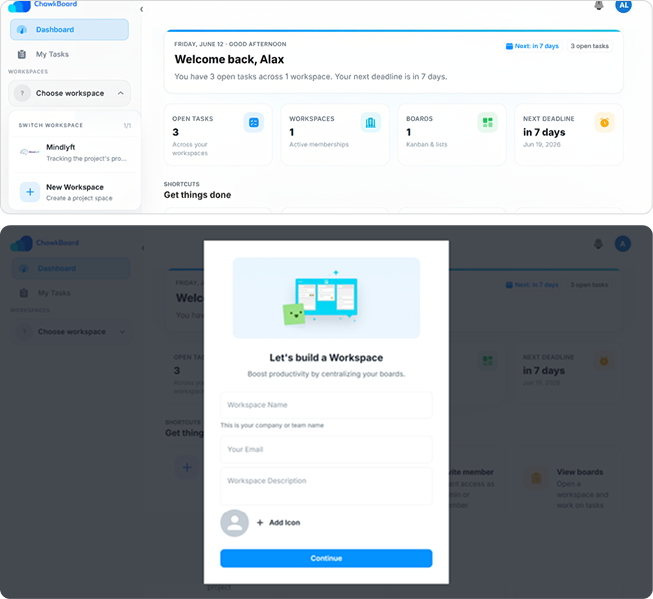
Make Workspaces

Organize your projects, teams, and workflows in dedicated workspaces designed to keep everything structured and accessible. Whether you’re managing a single department or multiple teams, workspaces provide a centralized environment for collaboration and project execution.

Create separate workspaces for different clients, departments, or projects to maintain clear boundaries and improve organization. Each workspace contains its own tasks, boards, milestones, team members, and activity history.

Easily switch between workspaces, invite team members, assign responsibilities, and track progress from a single platform. This ensures every team stays focused on its objectives while maintaining complete visibility into ongoing work.
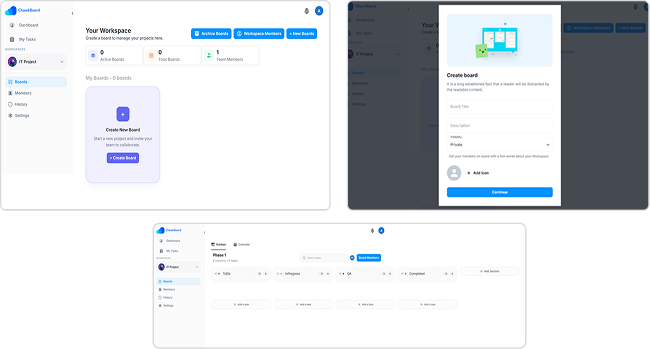
Kanban board

See exactly where every task stands. ChawkBoard’s Kanban boards give your team a shared, real-time view of every card, column, and deadline. No status meetings needed.

  • Drag-and-drop cards across custom columns
  • Assign members, labels, and due dates per card
  • Filter and search across any board instantly
  • Archive completed cards without losing history
  • Board-level permissions per workspace

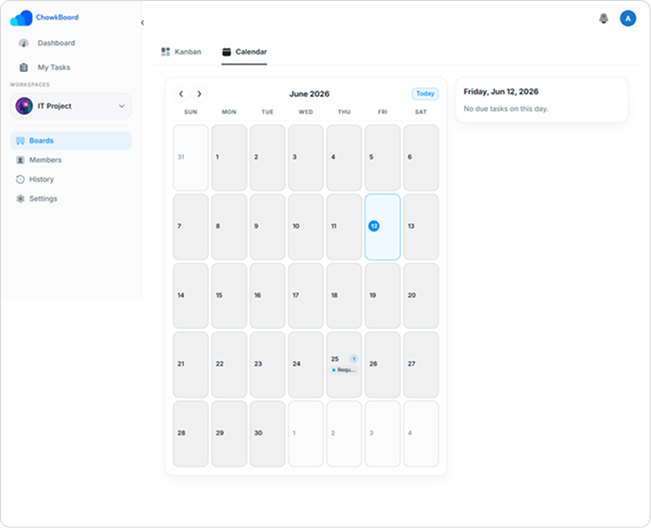
Calendar view

Visualize your schedule, not just your tasks. Switch any board to Calendar view and immediately see what’s due when. Spot clashes, redistribute workload, and never let a deadline sneak up on you.

  • Monthly, weekly, and daily calendar layouts
  • Drag tasks to reschedule directly in calendar
  • Color-code by assignee, label, or priority
  • Sync with Google Calendar & Outlook
  • Public calendar links for stakeholder visibility

A calendar built around tasks, not events

Most calendars are built for meetings. ChawkBoard's Calendar view is built for work tasks, deadlines, and assignments exactly where they fall in the week.

Drag to reschedule, color-code by owner, and sync to Google Calendar or Outlook in one click.

Monthly & weekly views

Switch between month, week, and day layouts depending on how far ahead you need to plan.

Change status

Change status for each tasks directly in the calendar. The board updates instantly.

Color-coding

Assigned tasks are color-coded on the calendar for improved visibility.

External sync

Two-way sync with Google Calendar and Outlook keeps everyone's personal calendar in the loop

Collaboration

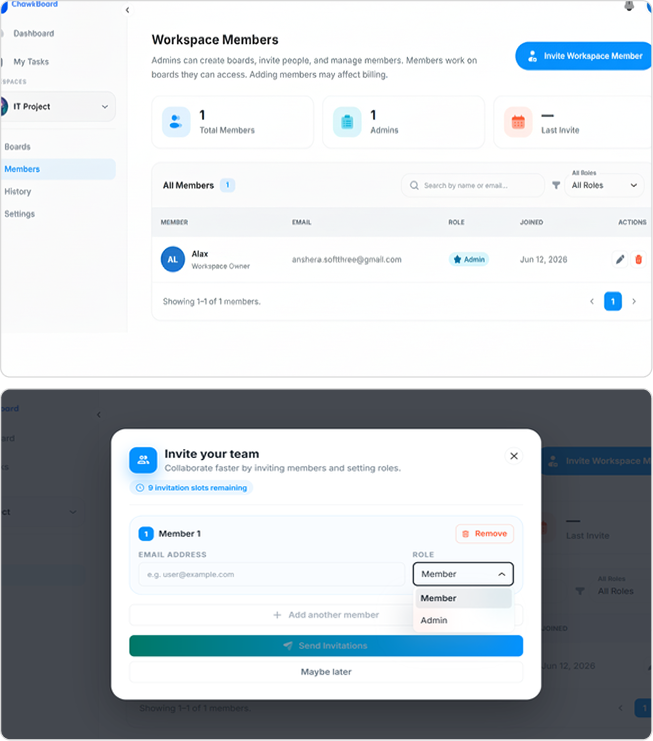
Everyone on the same page, all the time. Comments, mentions, activity feeds, and role-based access — ChawkBoard makes sure nothing important gets missed and everyone knows their next move.

  • Invite team members in respective(s) workspace.
  • For each project there is a threaded comments with the functionality of real-time message and file attachments.
  • Real-time activity feed per board.
  • Admin, member, and view-only roles.
  • Each team member can view progress


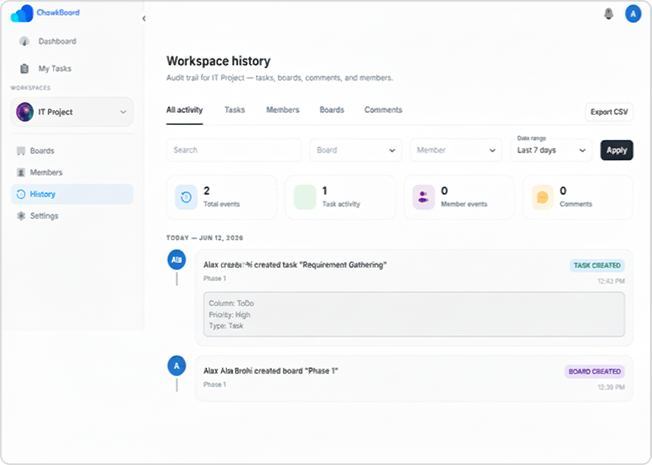
History

Organize your projects, teams, and workflows in dedicated workspaces designed to keep everything structured and accessible. Whether you’re managing a single department or multiple teams, workspaces provide a centralized environment for collaboration and project execution.

Create separate workspaces for different clients, departments, or projects to maintain clear boundaries and improve organization. Each workspace contains its own tasks, boards, milestones, team members, and activity history.

Easily switch between workspaces, invite team members, assign responsibilities, and track progress from a single platform. This ensures every team stays focused on its objectives while maintaining complete visibility into ongoing work.
Everything you need in a Kanban board

ChawkBoard's Kanban boards are built for the way modern teams actually work. You get complete flexibility over columns, cards, and workflows without the complexity of enterprise tools.

Whether you're running a two-person startup or a 50-person engineering organization, your boards scale with you. Start with pre-built templates or build from scratch in under a minute.

Custom columns

Create any columns that match your real workflow, not a generic To Do/Done template.

Tasks assign

Assign any task to one or multiple team members. Workload view shows everyone's load at once.

Labels & filters

Tag cards by type, priority, or team. Filter instantly to focus on what matters right now.

Full history

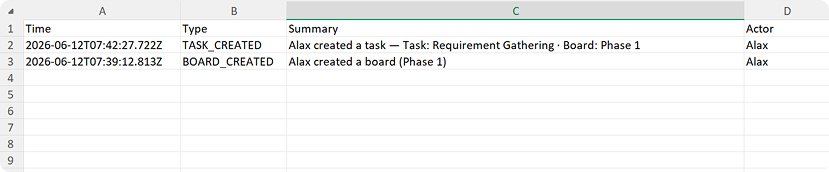
Every move, comment, and assignment is logged. Audit what happened to any task, at any time

Join 10,000+ team who ship with Chawkboard

No matter what you’re trying to dream up, Jira helps you get it done.